Where to find your account number
Your account number is the fastest way for us to identify your account. Include it in every support request, especially if you have more than one account.
Screens are shown in the Hebrew interface. The English interface (app.mesereser.com) has the same layout and the same menu order.
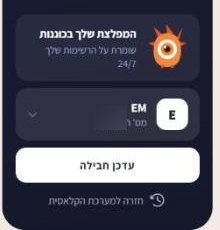
In the side menu, on every screen
At the bottom of the side menu, under the account name, you will see the account number. It is there on every screen.
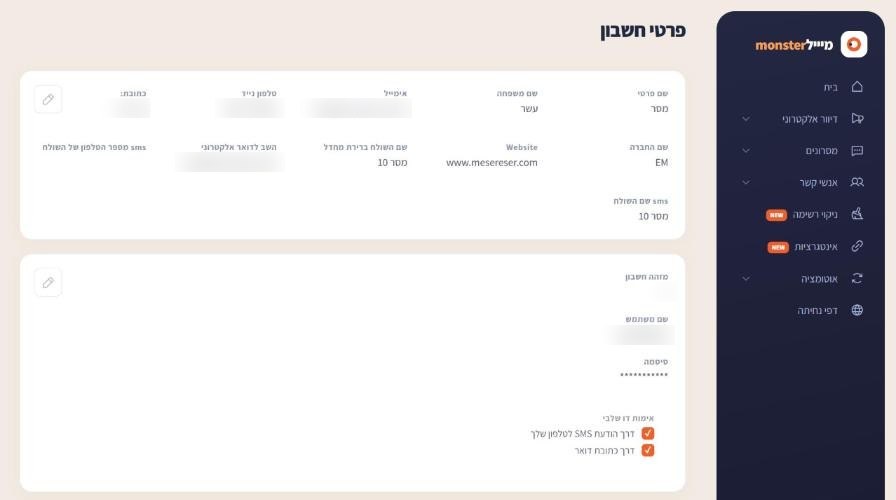
On the Account details screen
From the account menu choose Account details. The number appears as Account ID, next to the username and the two-factor settings.
If you have several accounts
Organizations with several departments or brands often use several accounts. When you ask us to act across accounts, for example to copy a campaign from one account to another, write the source account number, the target account number and the campaign name.
Frequently asked questions
Still need help?
Email support@meser10.co.il or WhatsApp +972 53-458-4334, Sunday to Thursday, 9:00 to 17:00 Israel time. Include your account number. All support guides