Emails going to spam or not arriving: what to check
When recipients do not get your campaign or find it in spam, the reason is almost always one of five. Here is what to check, in order, and what to do in each case.
Screens are shown in the Hebrew interface. The English interface (app.mesereser.com) has the same layout and the same menu order.
1. Which address you send from
Sending from Gmail, Outlook or any personal address is the most common cause of spam placement. Mailbox providers do not allow bulk systems to send in their name. Send from an address on your organization's domain, or from a dedicated sender address of ours.
2. Your domain is authenticated
A sending domain needs SPF and DKIM records. Without them Gmail and others reject or filter. The domain setup guide (Hebrew) explains what to add; we also send you the exact records.
3. A new domain with no history
The first send from a new domain, especially to a large list, looks suspicious to mailbox providers. Send gradually: a small part of the list first, then grow. We also offer domain warm-up as a service.
4. Your list is clean
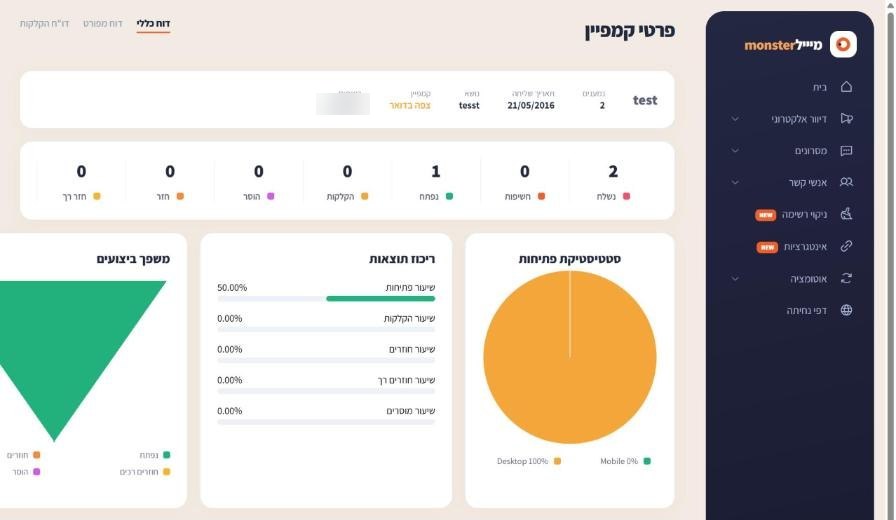
Many bouncing addresses hurt inbox placement for everyone. Check how many bounced in the campaign report, and if it is more than a few percent, clean the list before the next send.
5. One specific recipient does not receive
If only some recipients are affected, send us two or three addresses that did not receive it and the campaign name. We trace each address in the server logs and see exactly what happened. Meanwhile ask them to check spam and the Promotions tab.
Frequently asked questions
Still need help?
Email support@meser10.co.il or WhatsApp +972 53-458-4334, Sunday to Thursday, 9:00 to 17:00 Israel time. Include your account number. All support guides