Incoming SMS: where to see replies and which number you need
Messages recipients send back, or that arrive at your number, are collected on one screen. Here is where it is, how to forward messages, and which kind of number fits you.
Screens are shown in the Hebrew interface. The English interface (app.mesereser.com) has the same layout and the same menu order.
Where to see the messages
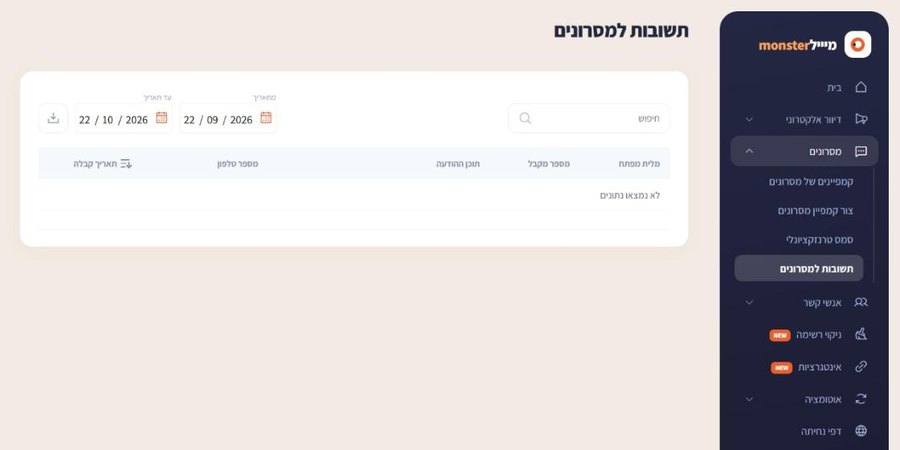
In the SMS menu choose SMS replies. Set a date range to see every incoming message: from which phone, to which number, the text and the time. You can search and export to Excel.
Virtual number or real mobile number
- Virtual number: lower cost, receives messages sent from people's mobile phones. Messages sent by systems, such as verification codes from banks and websites, do not reach it.
- Real mobile number: also receives system-sent messages, including verification codes. Choose it when you need to receive codes or automated messages.
Forward messages to email or your system
Every incoming message can also be sent to your email, or pushed automatically to your own system with a POST or GET request carrying the message parameters. Tell us where to forward and we set it up.
Frequently asked questions
Still need help?
Email support@meser10.co.il or WhatsApp +972 53-458-4334, Sunday to Thursday, 9:00 to 17:00 Israel time. Include your account number. All support guides