Can't sign in? Here is how to fix it
Most sign-in problems are solved in a minute. Here are the usual causes: a verification code that does not arrive, a password that does not work, and error 1010, and what to do about each.
Screens are shown in the Hebrew interface. The English interface (app.mesereser.com) has the same layout and the same menu order.
Where to sign in
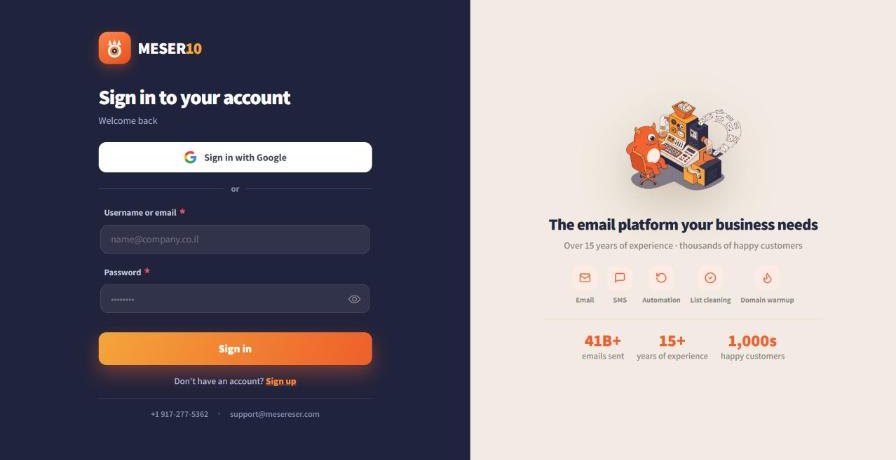
Sign in at app.mesereser.com/login with your username or email and password, or with your Google account.
The two-factor code does not arrive
The code is sent by SMS to your phone, by email, or both, according to your account setting. Check your spam folder first. If the phone or email on the account is no longer yours, write to us and we update it.
Change where the code is sent
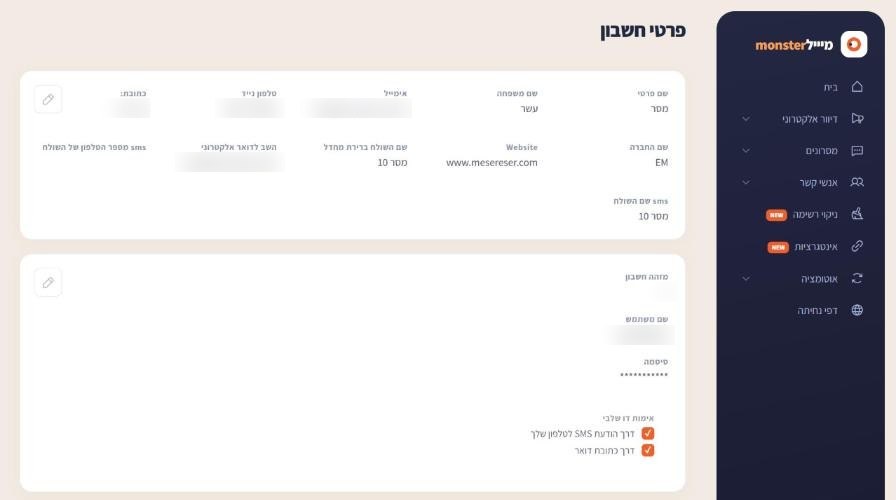
From the account menu choose Account details. Under Two-factor authentication choose SMS to your phone, email, or both.
Error 1010
A message with the number 1010 comes from the site's protection layer, which blocks a browser it sees as non-standard: a filtered browser, a browser opened inside an app, or an old browser. Your account is fine. Sign in from Chrome or Edge on a computer, and if it continues send us a screenshot of the message and your browser type.
The password does not work
Changed your password and now it does not work, or received a one-time password? Write to us from the email registered on the account and we send a link for a new password. For security we send passwords only through a one-time link.
Frequently asked questions
Still need help?
Email support@meser10.co.il or WhatsApp +972 53-458-4334, Sunday to Thursday, 9:00 to 17:00 Israel time. Include your account number. All support guides